
Product visualisation in AR
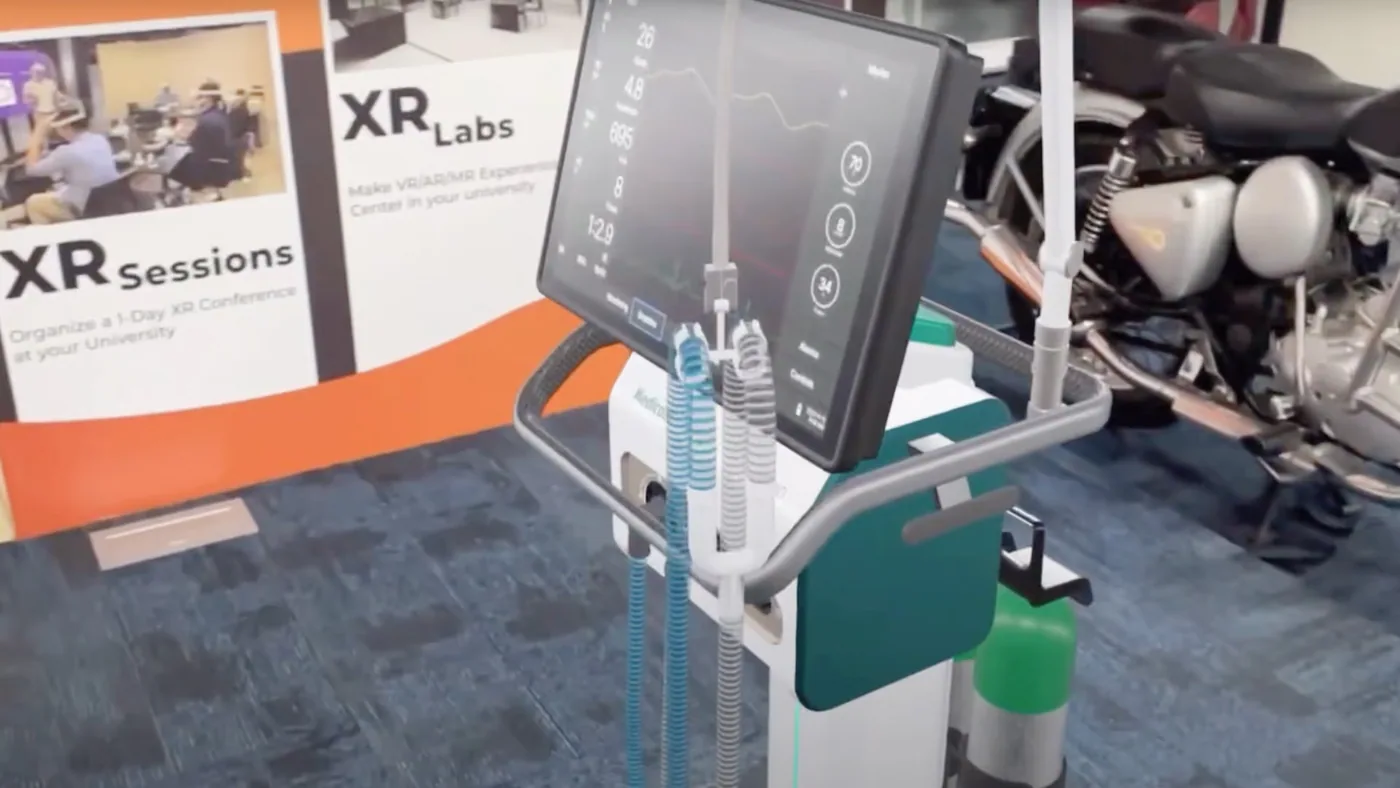
Scan a QR code or marker with a phone or tablet and your product appears in the real room at actual size. Your sales team carries the full product range in their pocket, at the booth, in the dealer showroom or at the customer's plant.
- 1:1 scale products placed on the floor or table
- Feature hotspots, animations and spec sheets
- Works on any modern phone or tablet
Used by: Edgetech (AHU units at ACREX 2026), TAFE (19 tractor models with AR stories).
More about product visualisation in ar
What AR product visualisation is
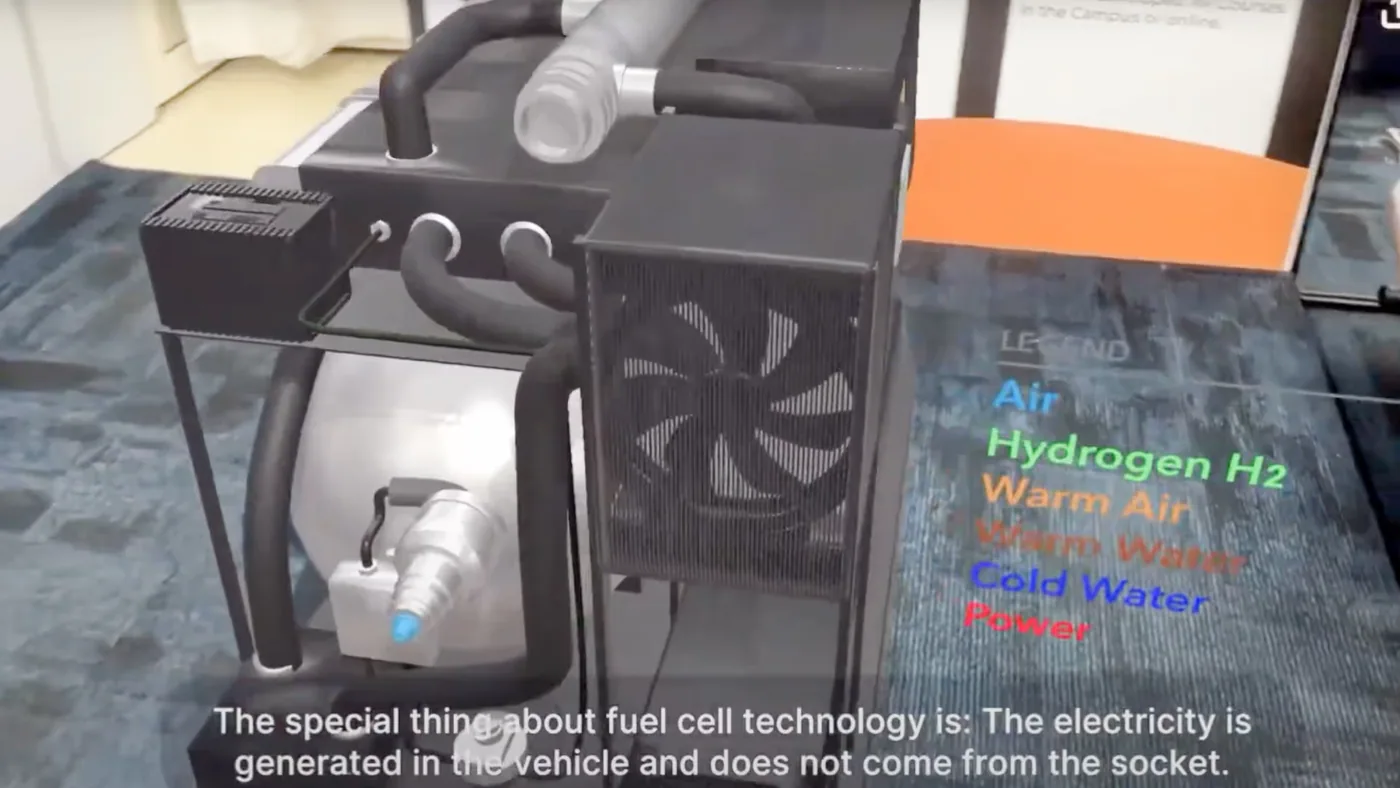
Augmented reality (AR) places a 3D model of your product into the real world through the camera of a phone or tablet. The viewer scans a QR code or marker, and the machine appears on the floor or table at 1:1 scale. They can walk around it, tap hotspots to see features and animations, and open spec sheets.
Who it is for
- Sales teams who cannot carry large machines to a meeting.
- Exhibitors who want to show the full range on a small booth.
- Dealers who want to show the full range in their showroom.
- Training teams who want new staff to learn the product before they see the real one.
How it works
- We build accurate 3D models of your products.
- We add feature hotspots, animations and spec sheets to each model.
- Your team opens the experience on a phone or tablet and scans a QR code or marker.
- The product appears in the room at actual size, at the booth, in the dealer showroom or at the customer's plant.
What is included
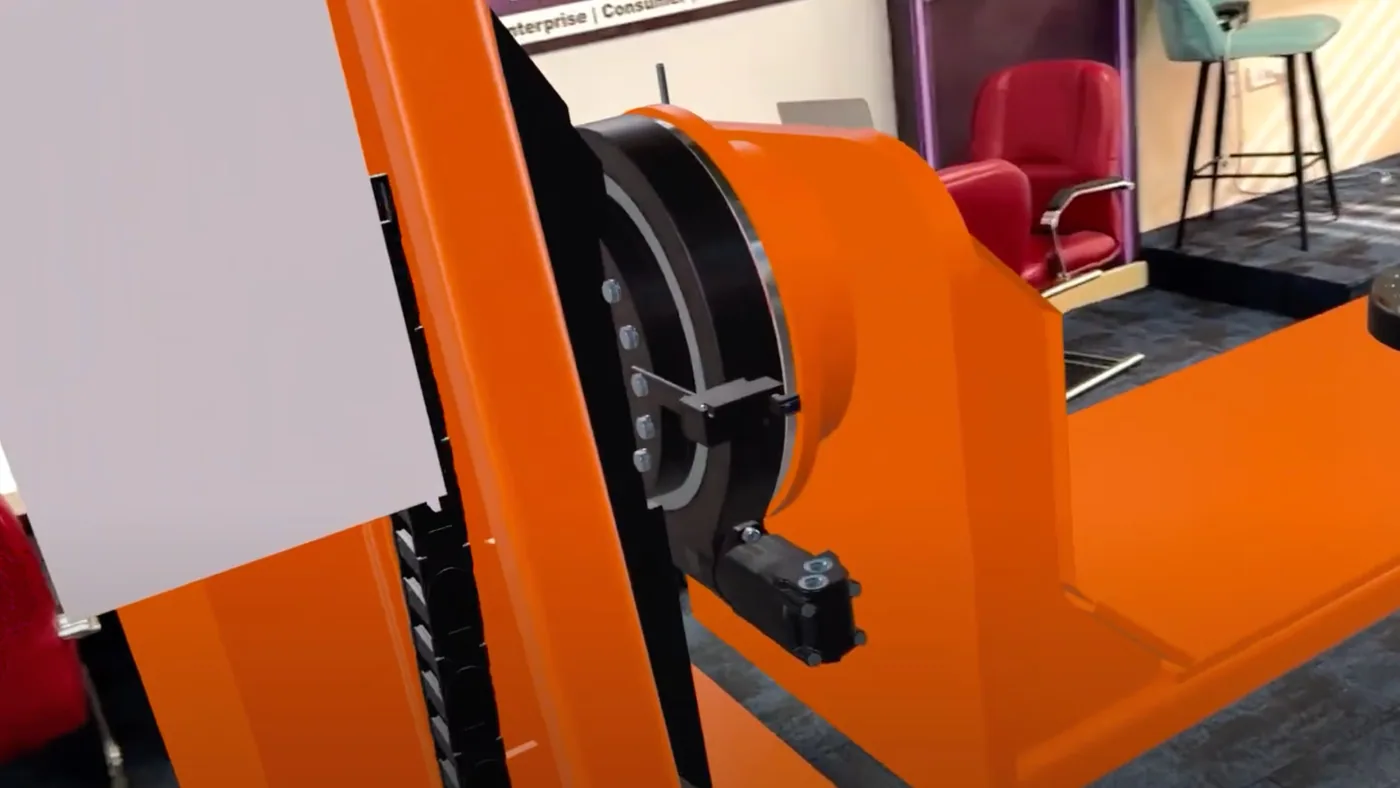
- 3D models of your products at 1:1 scale.
- Feature hotspots, animations and spec sheets.
- An AR experience that works on any modern phone or tablet.
A typical exhibition booth setup
- A 12-inch tablet for visitors to explore the AR models.
- A large smart TV.
- Basic booth fabrication.
You can try AR product visualisation at our Experience Centre in Noida before you invest.
Where it has been used
Edgetech used AR to show its AHU units at ACREX 2026. TAFE built an AR-powered experience centre with 19 tractor models and AR stories.
Frequently asked questions
Do customers need special equipment?
No. The experience works on any modern phone or tablet. The viewer scans a QR code or marker to place the product.
Is the product shown at its real size?
Yes. Products are placed on the floor or table at 1:1 scale, so buyers can judge the size in their own space.
Where can our team use it?
At exhibition booths, in dealer showrooms, at the customer's plant and in training sessions.
How does Metaverse911 build an AR product visualisation?
Metaverse911 first builds accurate 3D models of the products at 1:1 scale, then adds feature hotspots, animations and spec sheets to each model. The sales team opens the AR experience on a phone or tablet and scans a QR code or marker, and the product appears in the room at actual size, so buyers can walk around it and explore its features.
What is in a typical exhibition booth setup for AR product visualisation?
A typical exhibition booth setup for AR product visualisation includes a 12-inch tablet for visitors to explore the AR models, a large smart TV and basic booth fabrication. Edgetech used AR to show its AHU units at ACREX 2026, and businesses can try AR product visualisation at the Metaverse911 Experience Centre in Noida before they invest.


More exhibition solutions
 Most requested for exhibitions
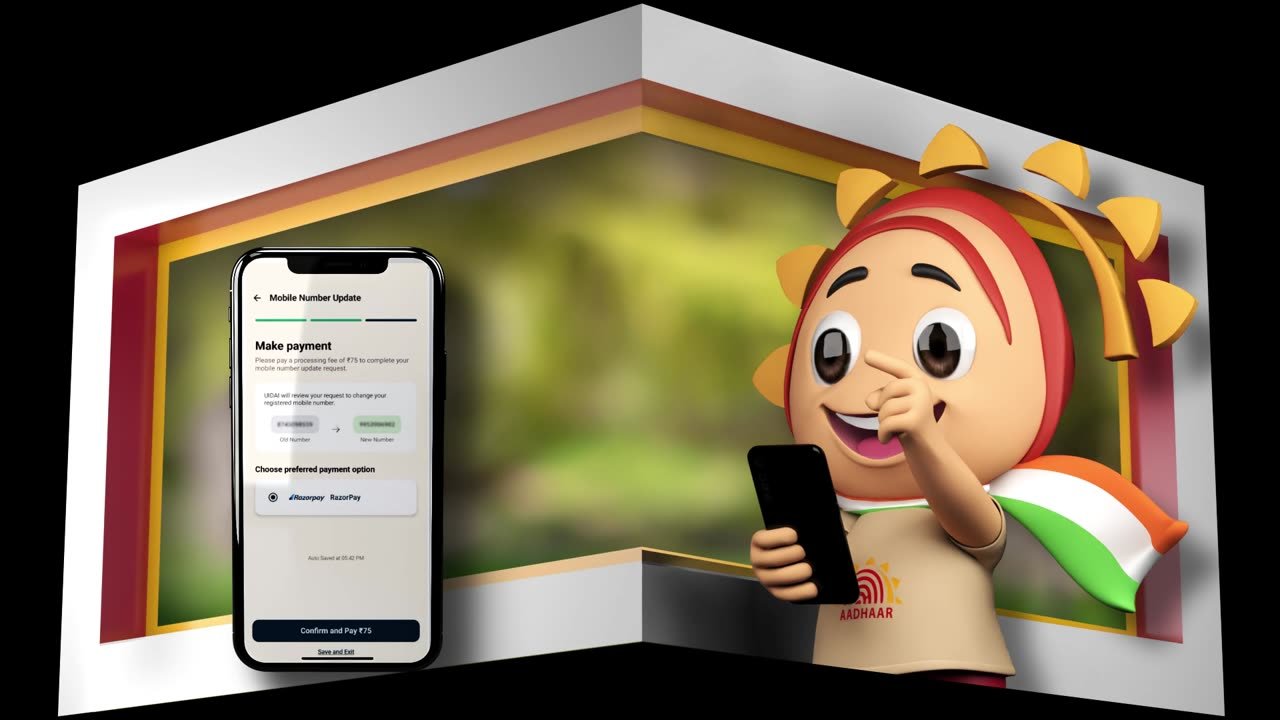
Anamorphic 4D content for LED walls
See the solution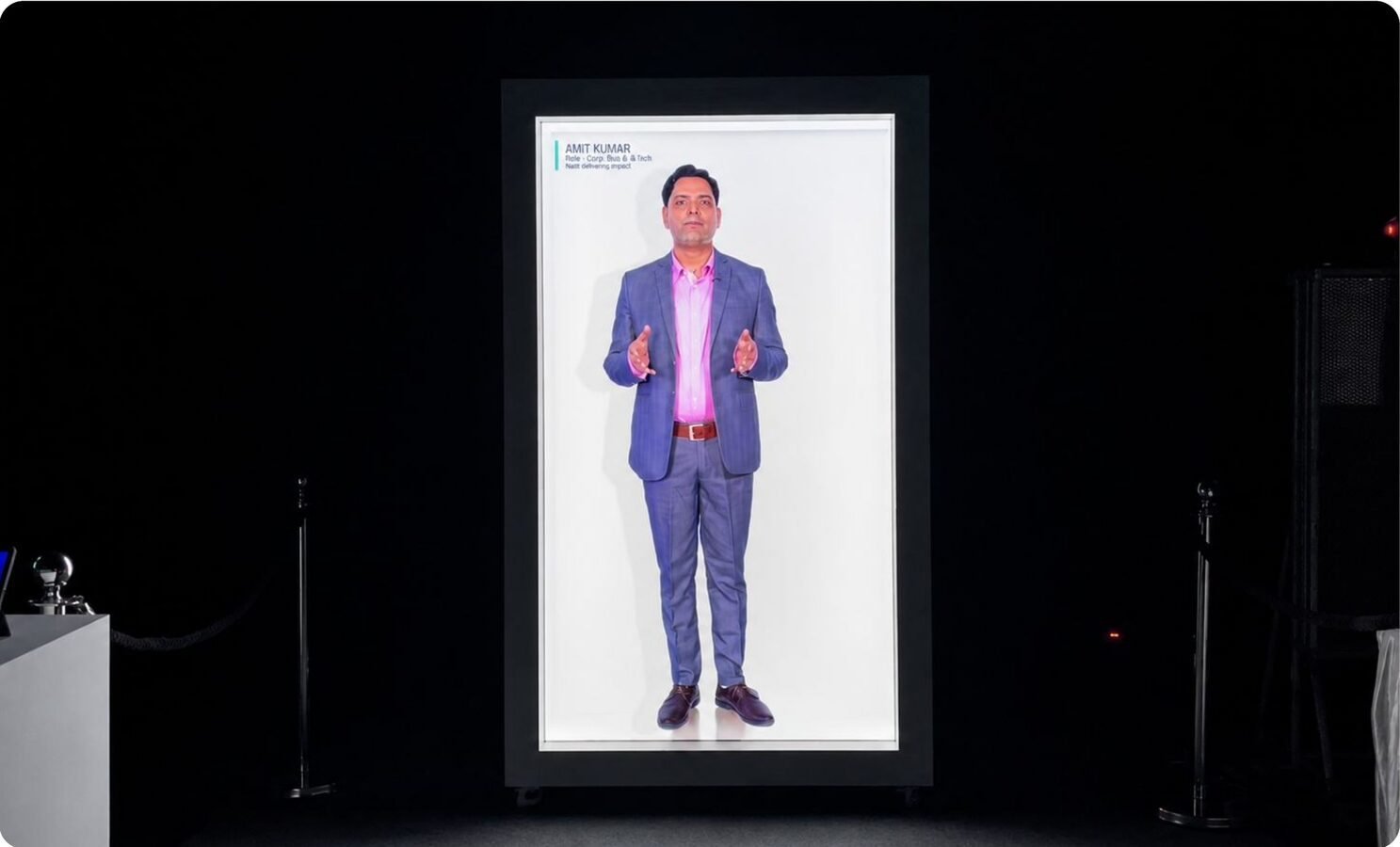 Flagship product
HoloBox: life-size hologram display
See the solution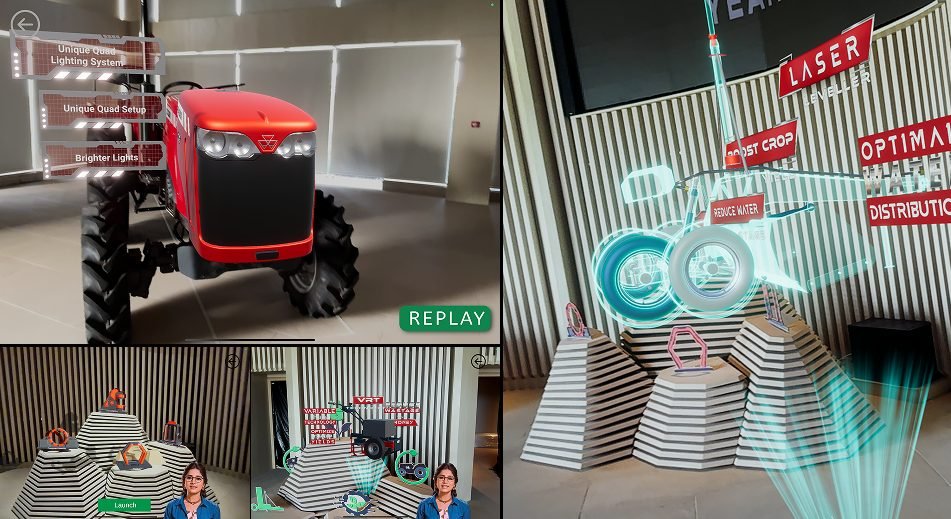 Compact booths
Holographic displays and HoloCube
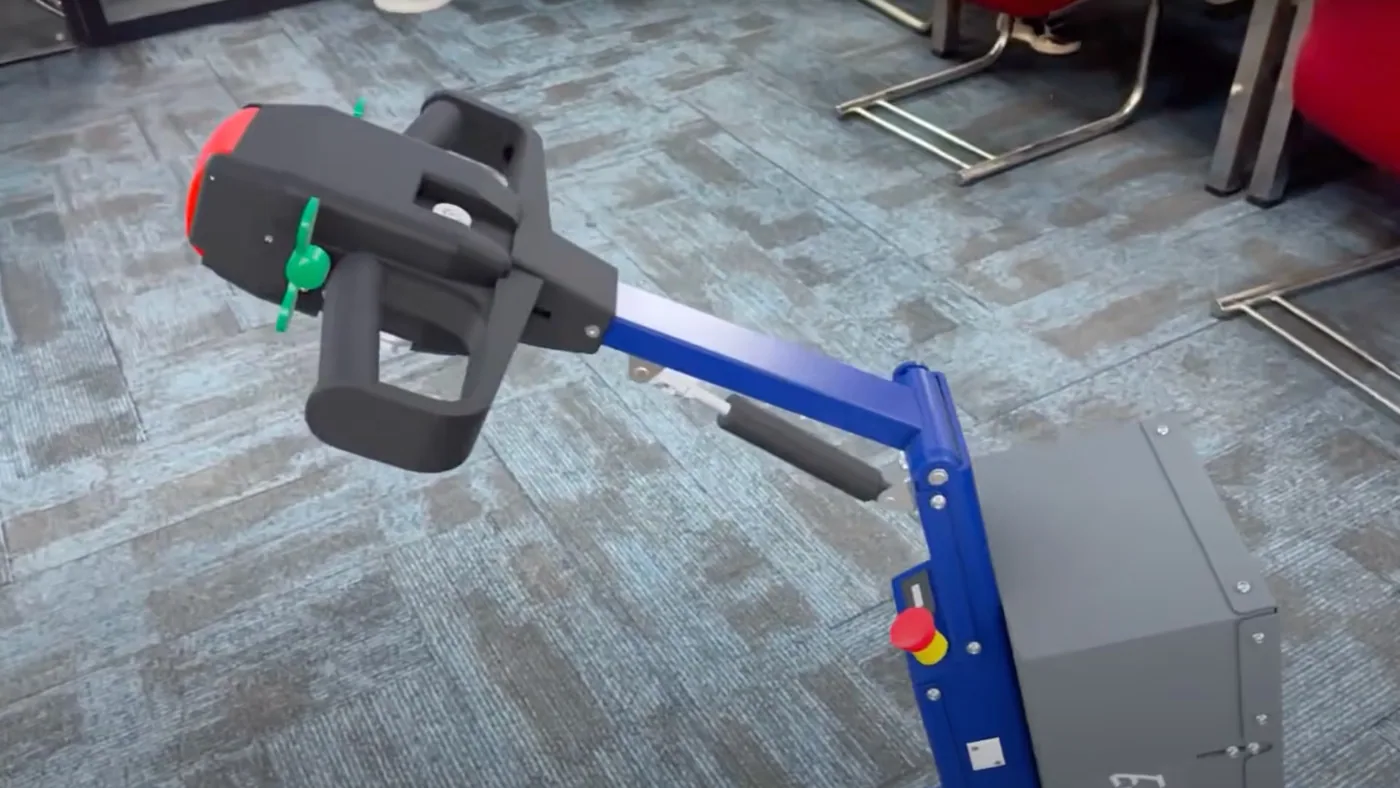
See the solution Heavy machinery
Machine visualisation in VR and mixed reality
See the solution Lead capture
3D product configurators
See the solution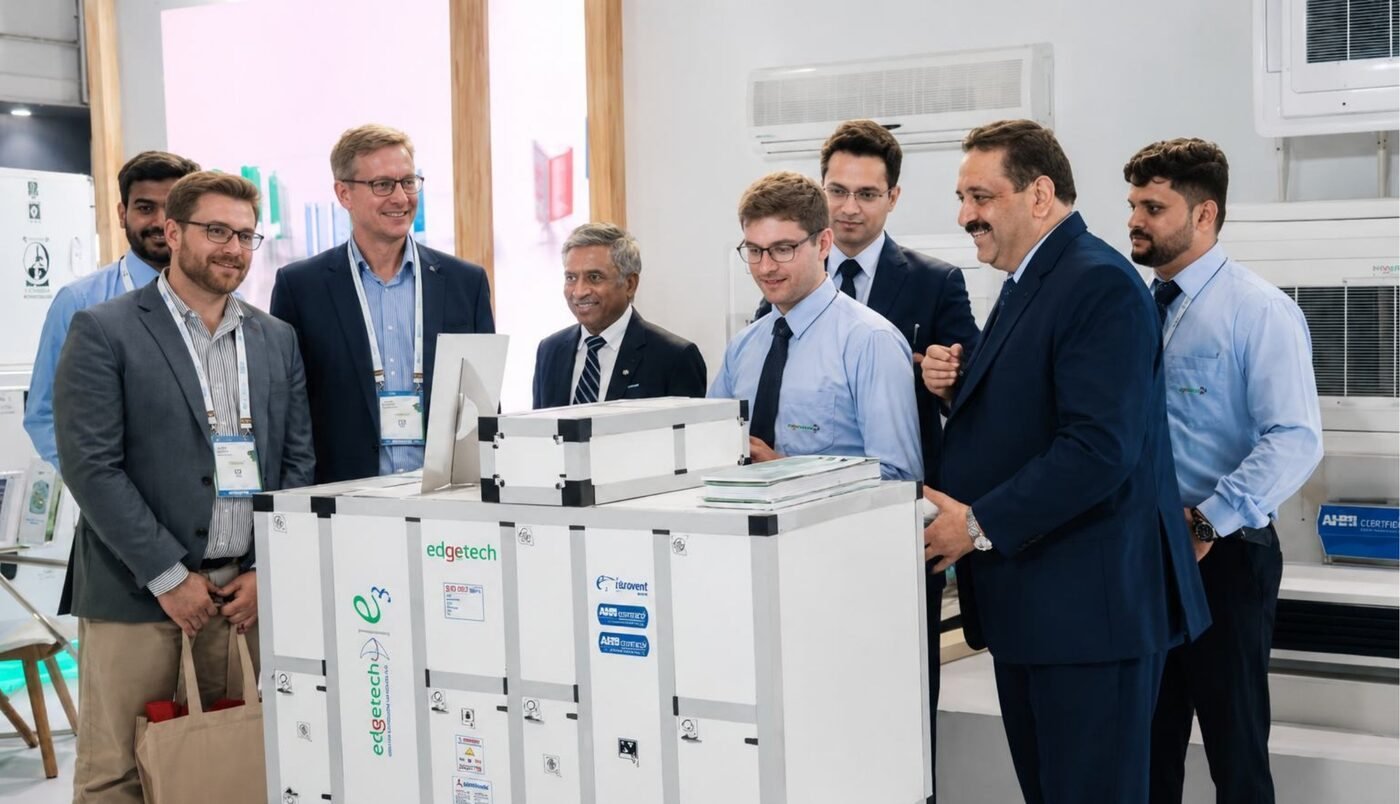 Remote buyers & audits