
Machine visualisation in VR and mixed reality
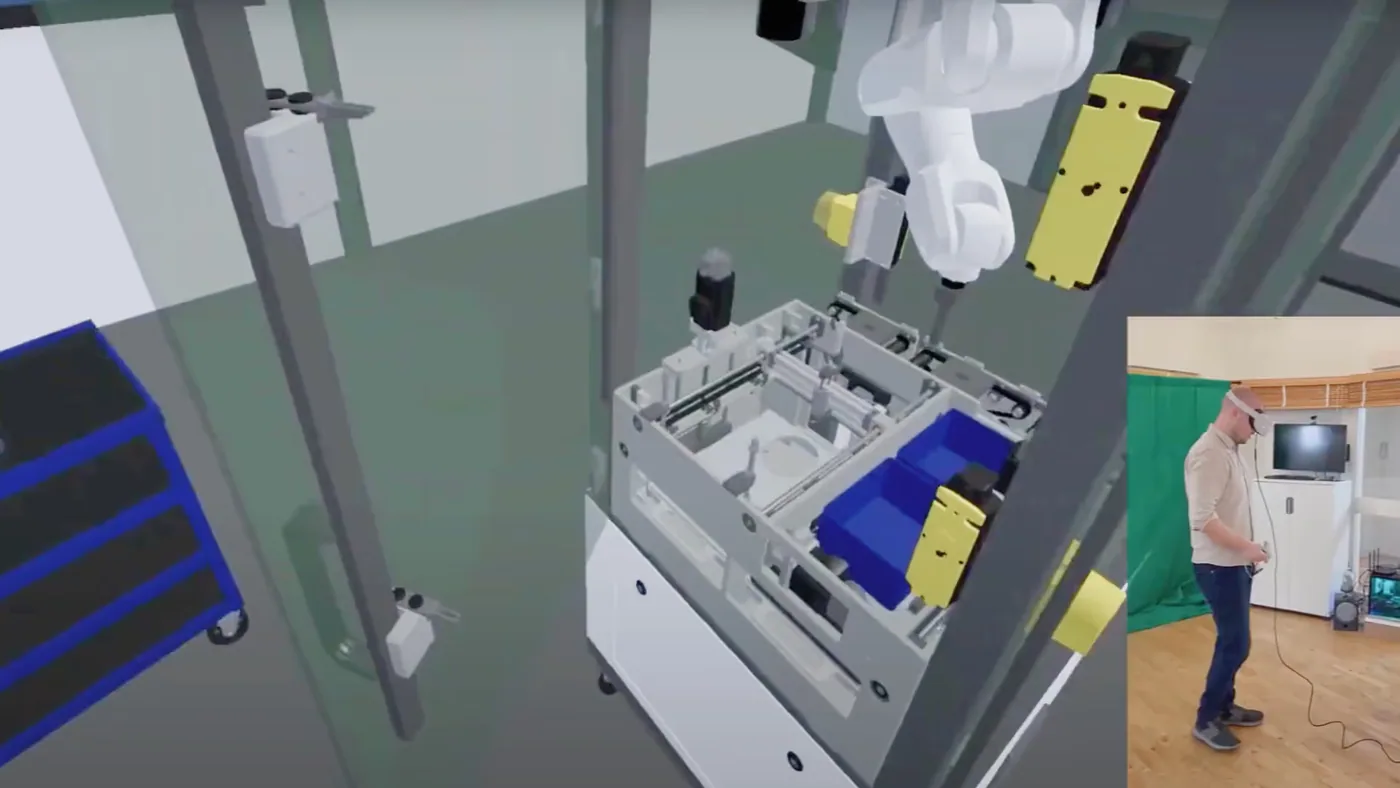
Let buyers walk around your machine at full size inside a VR headset, open it up and watch it run. With mixed reality (Meta Quest 3, Apple Vision Pro, HoloLens) the machine appears in the real room. No need to ship a demonstrator or fly the customer to your plant.
- Full-scale presses, bending machines, assembly lines and plants
- Exploded views and cut-aways of internal parts
- Runs at exhibitions, in sales meetings and at the customer's site
Used for: machine tools, HVAC, plastics machinery, automation, material handling.
More about machine visualisation in vr and mixed reality
What VR and MR machine visualisation is
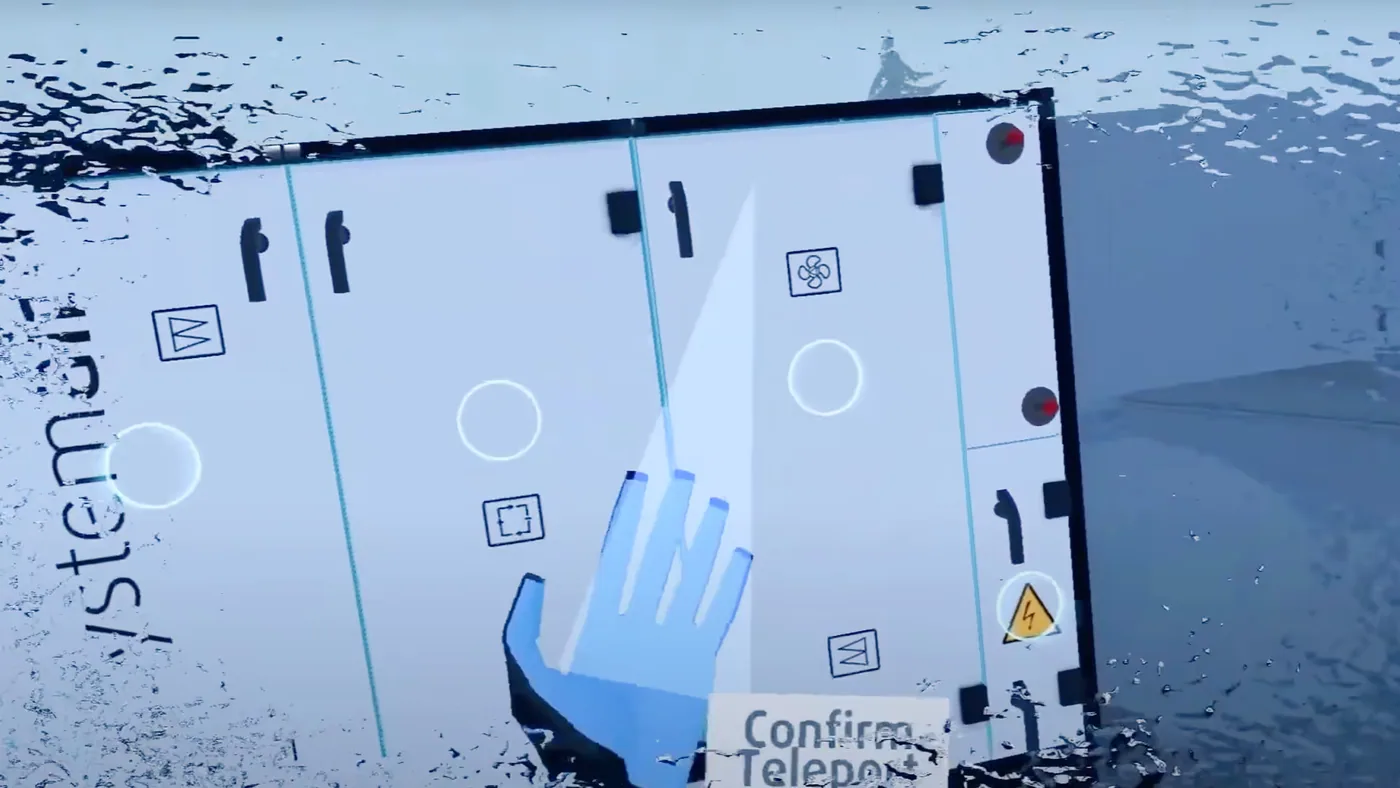
We build an accurate 3D model of your machine and put it inside a headset. In virtual reality (VR), the buyer is placed in a virtual space with the machine at full size. They can walk around it, open it up and watch it run.
In mixed reality (MR), the machine appears in the real room instead, on headsets such as Meta Quest 3, Apple Vision Pro and HoloLens. Either way, there is no need to ship a demonstrator or fly the customer to your plant.
Who it is for
- Makers of large machines: machine tools, HVAC, plastics machinery, automation and material handling.
- Exhibition teams who cannot bring the real machine to the show.
- Sales teams presenting at the customer's site.
- Training teams who want staff to learn a machine before they touch it.
How it works
- We model your machine, press, bending machine, assembly line or plant in 3D.
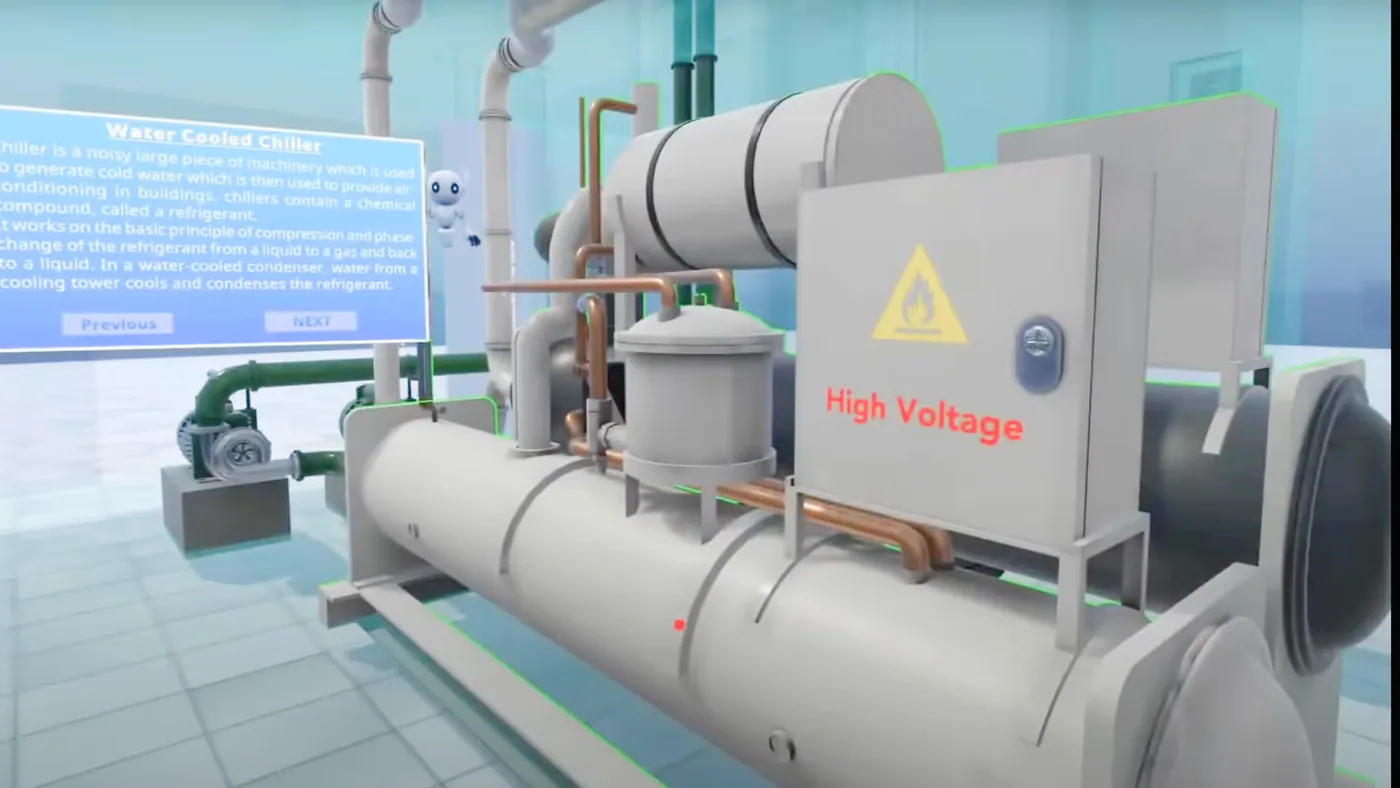
- We add exploded views and cut-aways that show the internal parts, and animations of the machine running.
- We load the experience onto VR or MR headsets.
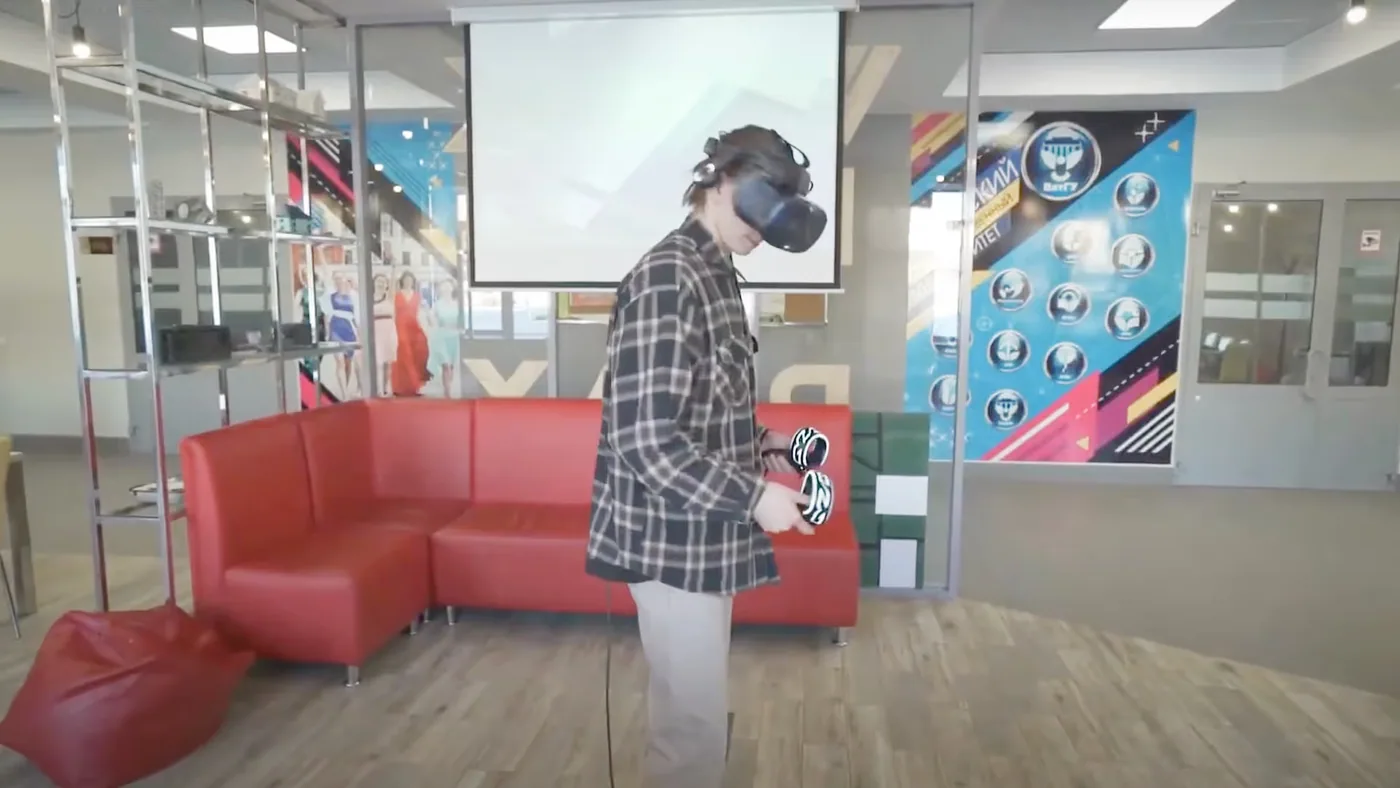
- Buyers put on the headset at your booth, in a sales meeting or at their own site, and explore the machine at full scale.
What is included
- A full-scale 3D model of your machine.
- Exploded views, cut-aways and running animations.
- A VR or MR app for your chosen headsets.
A typical VR booth setup
- Meta Quest 2 or 3 headsets.
- A smart TV.
- Basic booth fabrication.
A typical MR booth setup
- Meta Quest 3 headsets.
- A smart display.
- Basic booth fabrication.
You can try VR and MR machine demos at our Experience Centre in Noida before you invest.
Where it has been used
Gandhi Automation uses a 360 VR experience to sell hangar doors at 30+ aviation exhibitions every year.
Frequently asked questions
Which headsets do you support?
For VR we use Meta Quest 2 and Quest 3. For mixed reality we support Meta Quest 3, Apple Vision Pro and HoloLens.
What is the difference between VR and mixed reality?
In VR the viewer is inside a fully virtual space with the machine. In mixed reality the machine appears in the real room around them.
Which industries use VR machine demos?
Machine tools, HVAC, plastics machinery, automation and material handling.
Can the same model be used for training?
Yes. The 3D machine model can also be used to build training modules for your teams.
What is included in a typical VR or mixed reality booth setup for machine visualisation?
A typical VR booth setup for machine visualisation from Metaverse911 includes Meta Quest 2 or 3 headsets, a smart TV and basic booth fabrication. A typical mixed reality booth setup uses Meta Quest 3 headsets, a smart display and basic booth fabrication. Both run a full-scale 3D model of the machine with exploded views, cut-aways and running animations.
Where this has been used

Gandhi Automation
A 4K 360° VR experience that sells Gandhi Automation’s hangar doors at 30+ shows a year
Read the case study
Monotech Engineers
Monotech Engineers at IMTOS 2025: a hologram CEO, 3D machines and an anamorphic LED screen
Read the case studyMore exhibition solutions
 Most requested for exhibitions
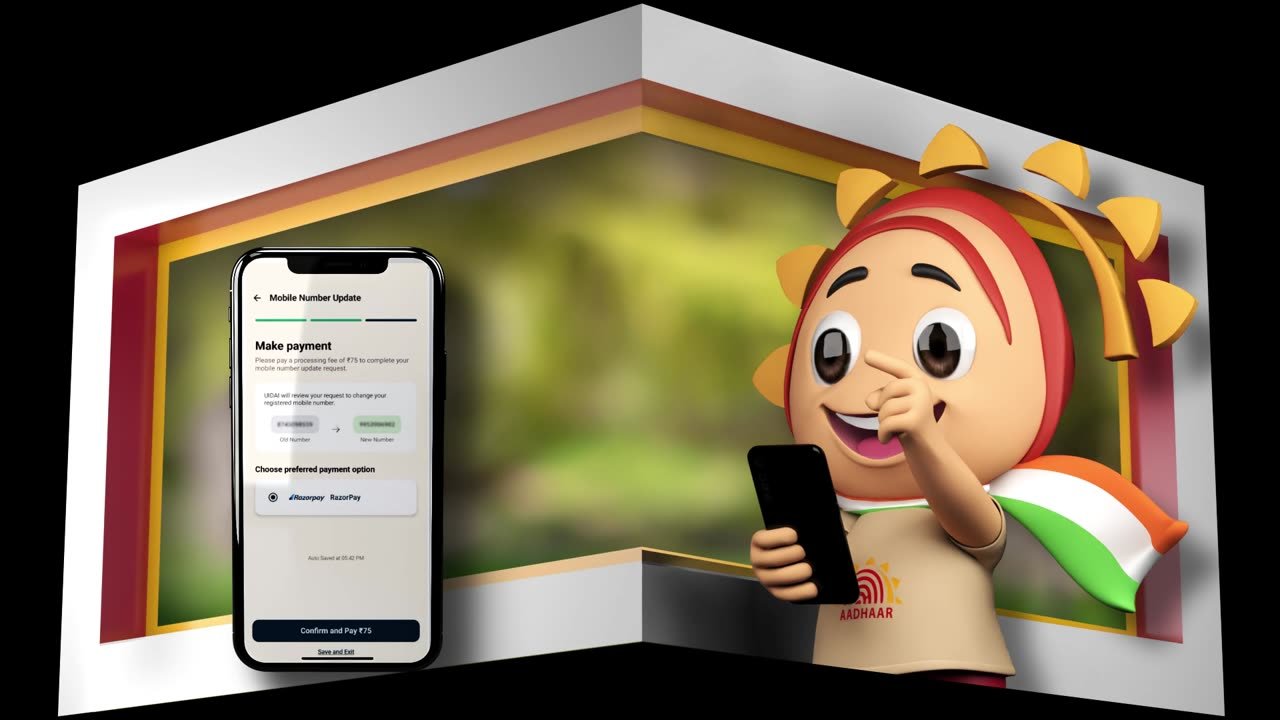
Anamorphic 4D content for LED walls
See the solution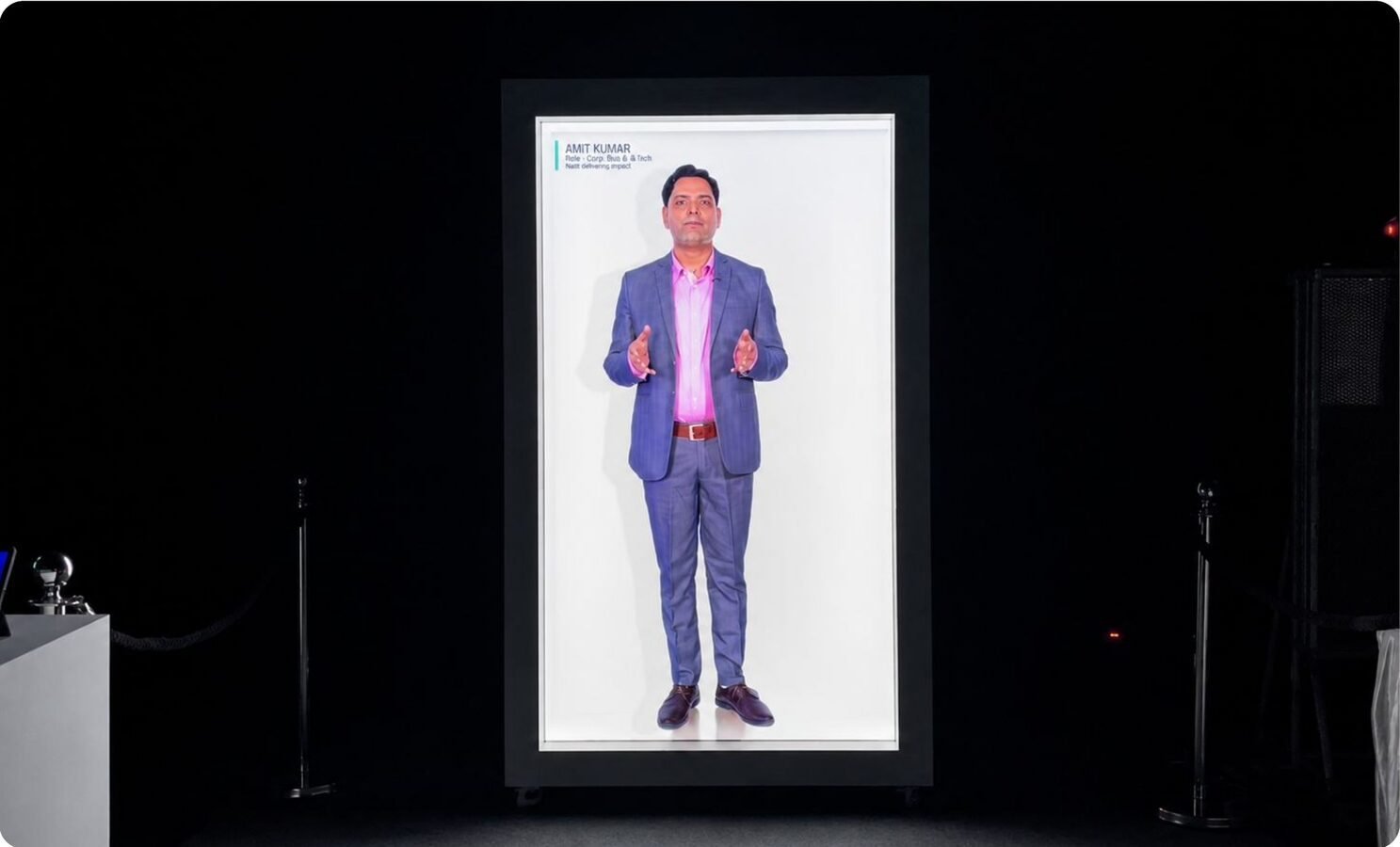 Flagship product
HoloBox: life-size hologram display
See the solution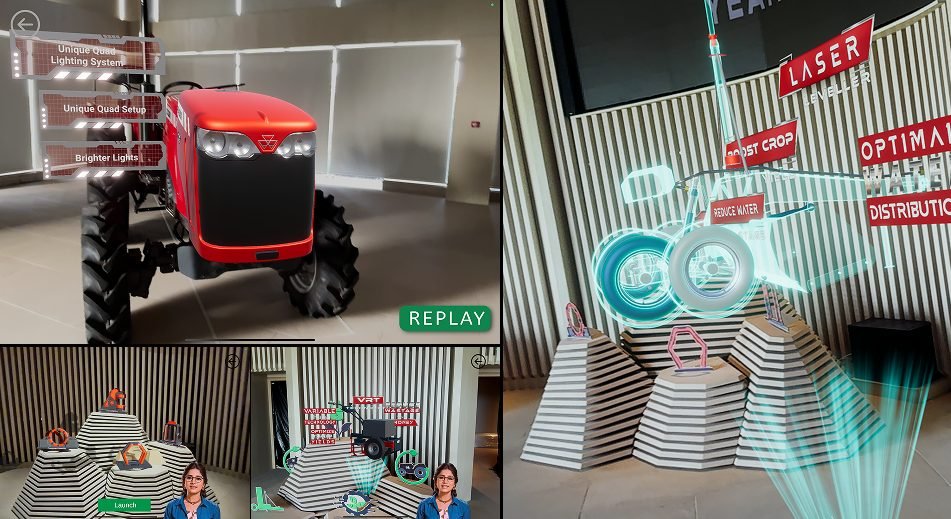 Compact booths
Holographic displays and HoloCube
See the solution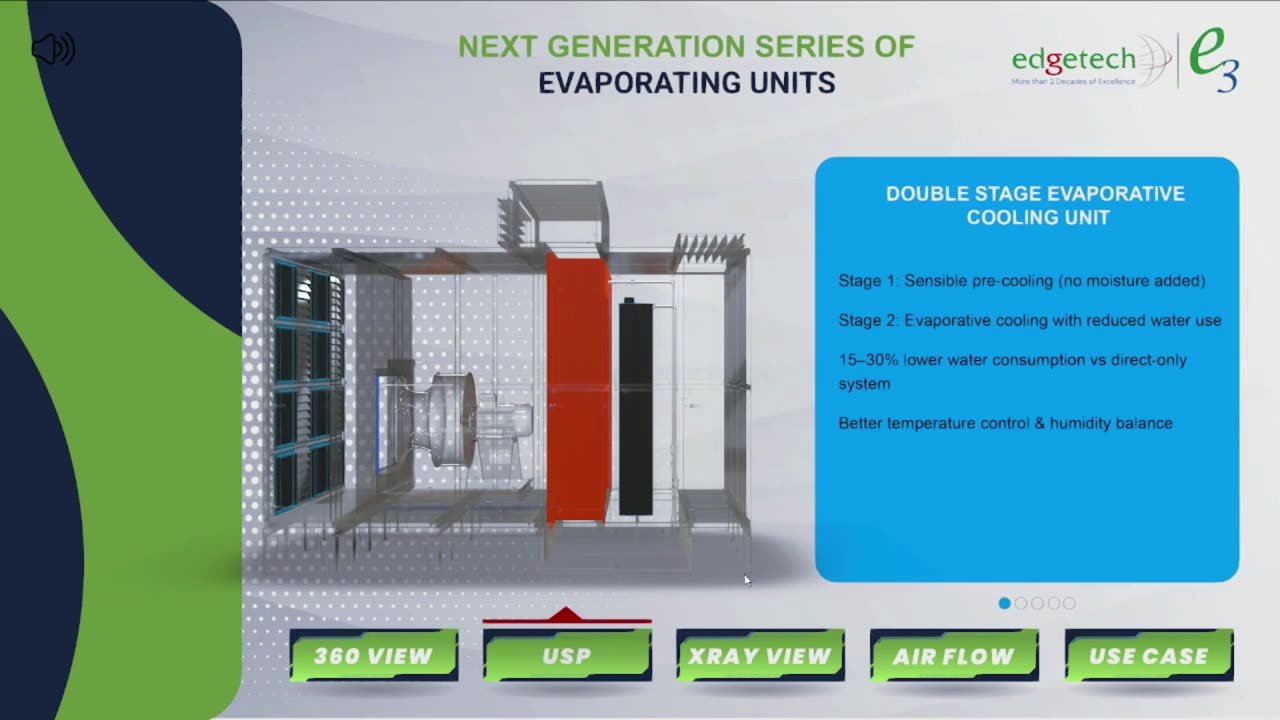 Sales teams
Product visualisation in AR
See the solution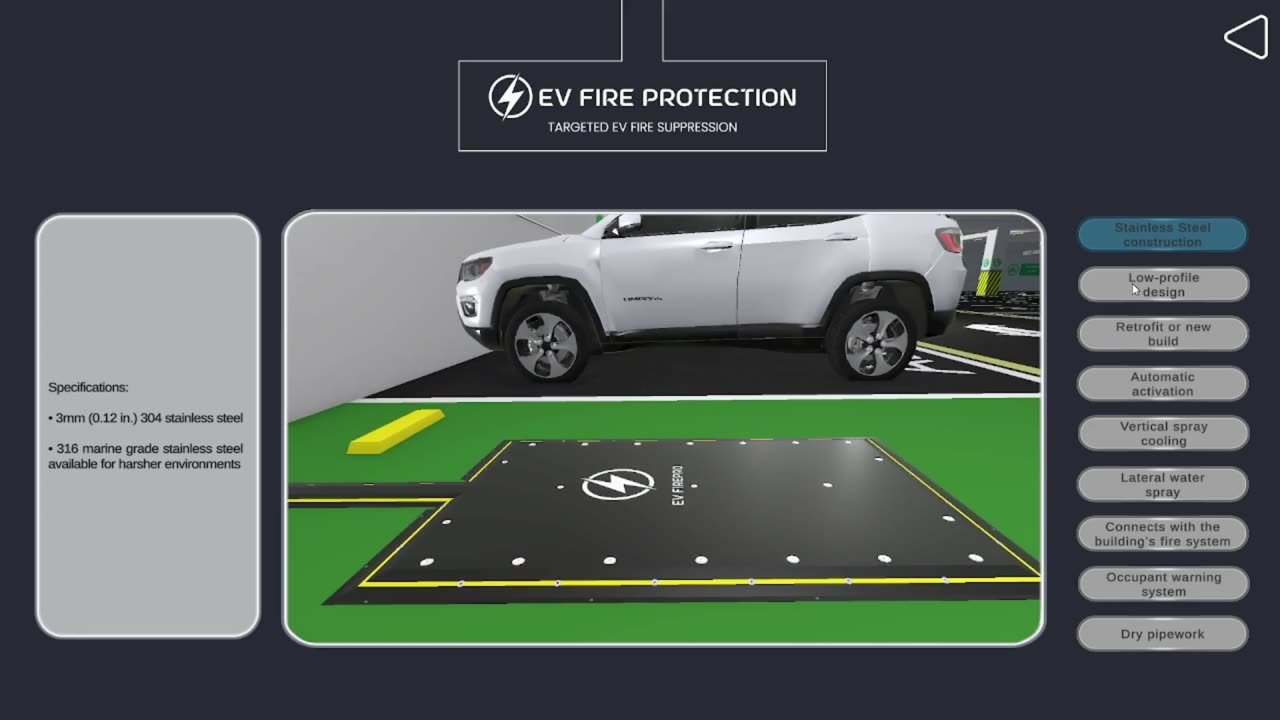 Lead capture
3D product configurators
See the solution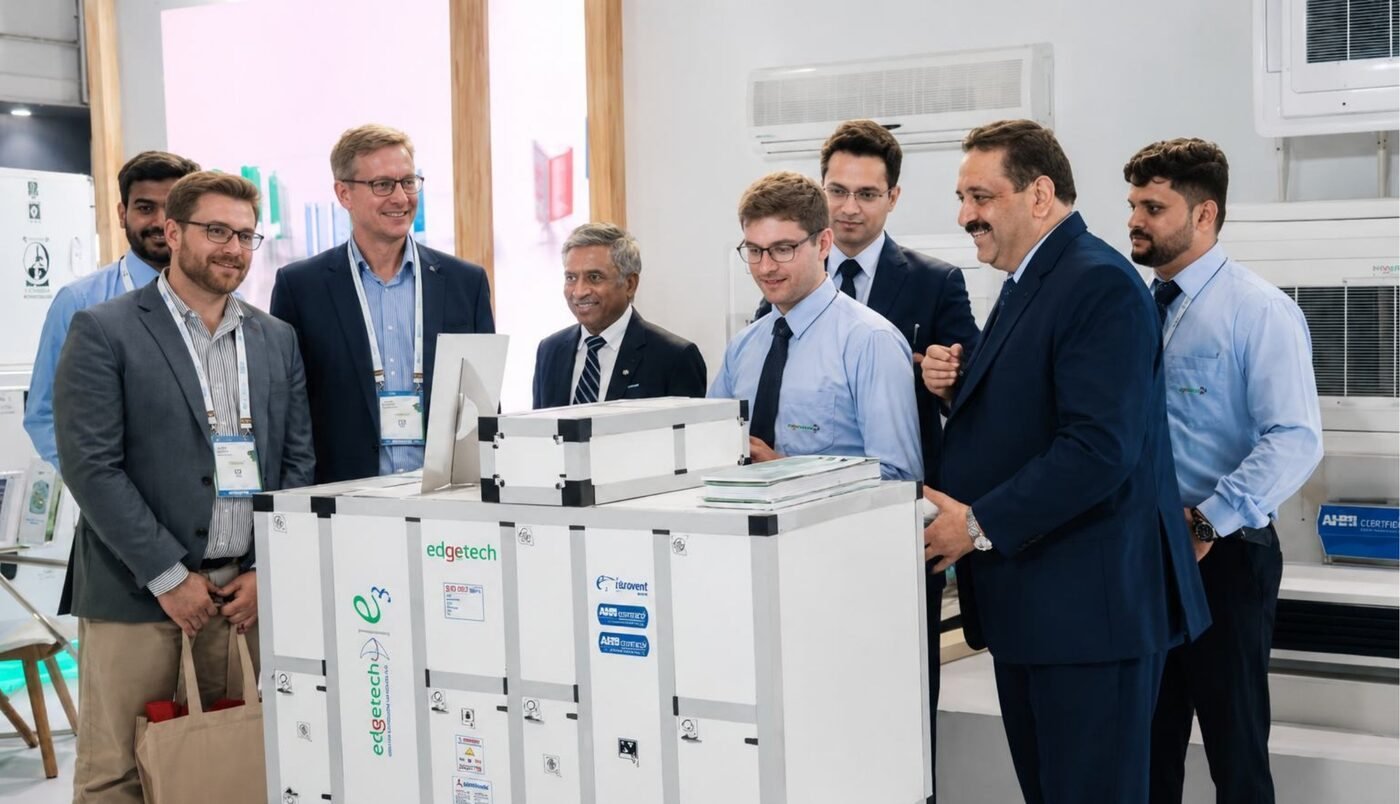 Remote buyers & audits